Browse and manage people
Immich recognizes faces in your photos and videos and groups them together into people. You can then assign names to these people and search for them. To understand how the grouping actually works, see Facial recognition.
Find the people in your library
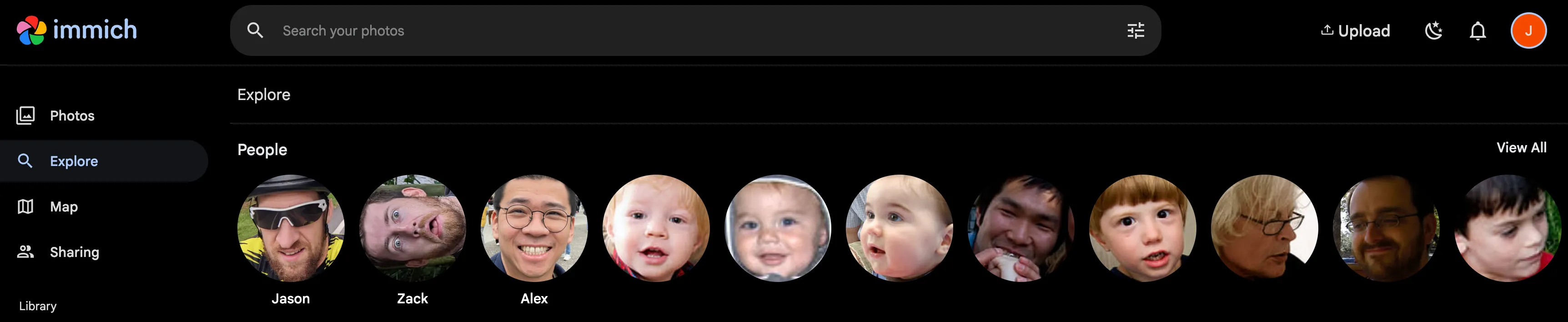
The list of people is shown in the Explore page.
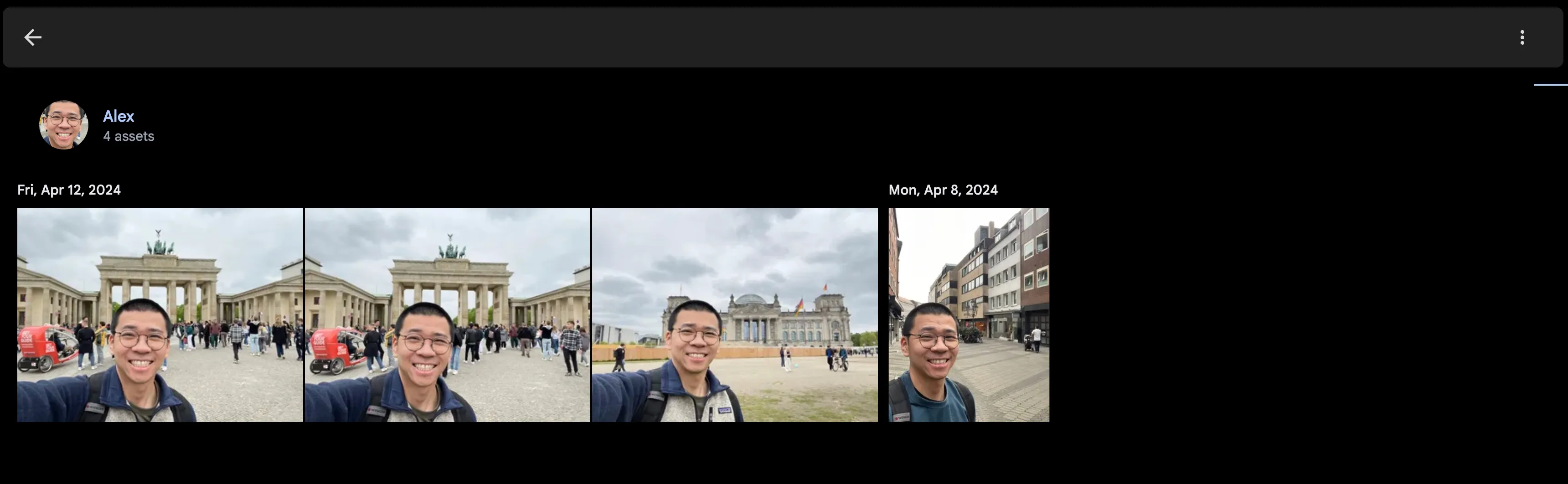
Upon clicking on a person, a list of assets that contain their face will be shown.
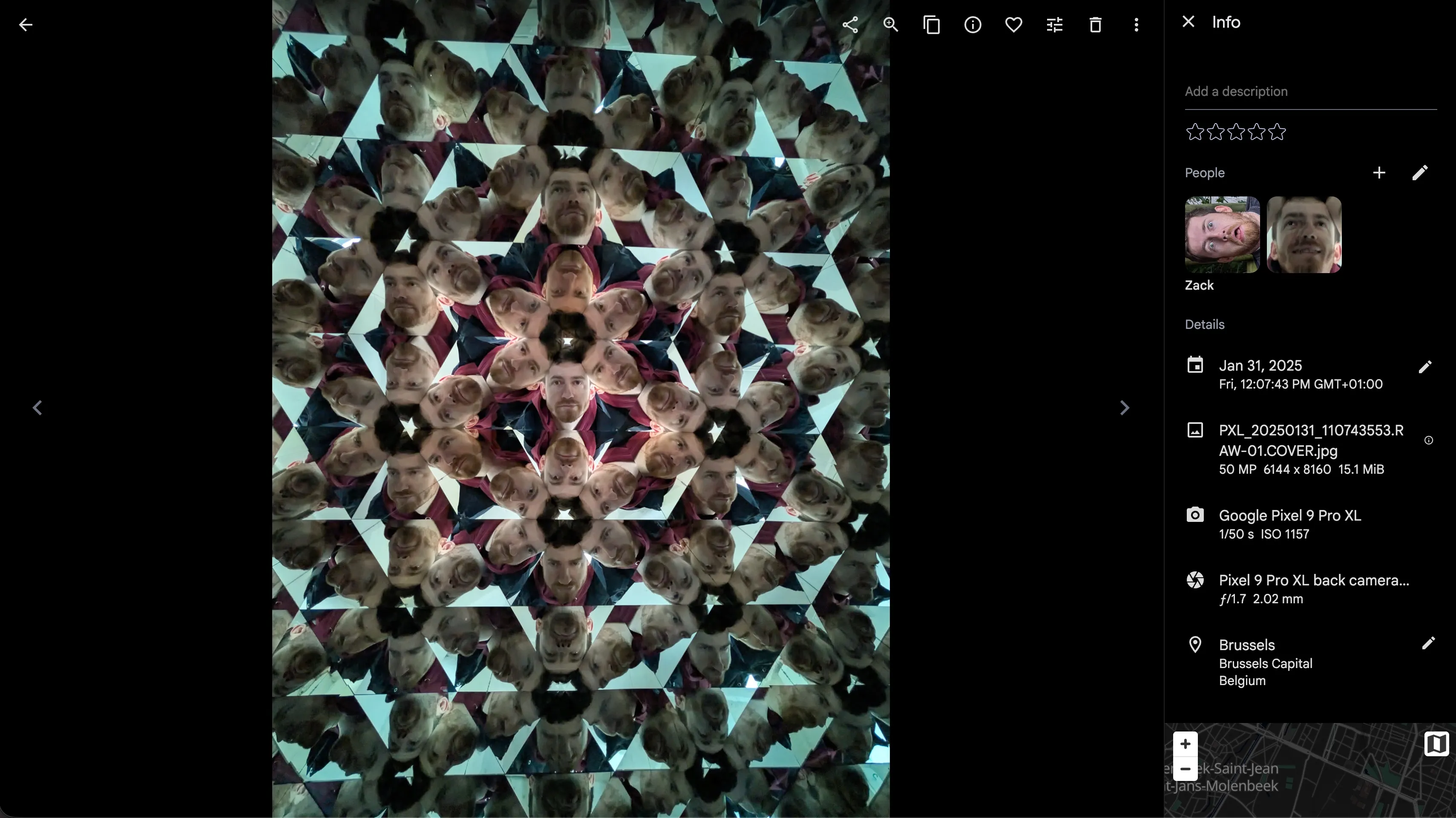
The asset detail view will also show the faces that are recognized in the asset.
Manage a person
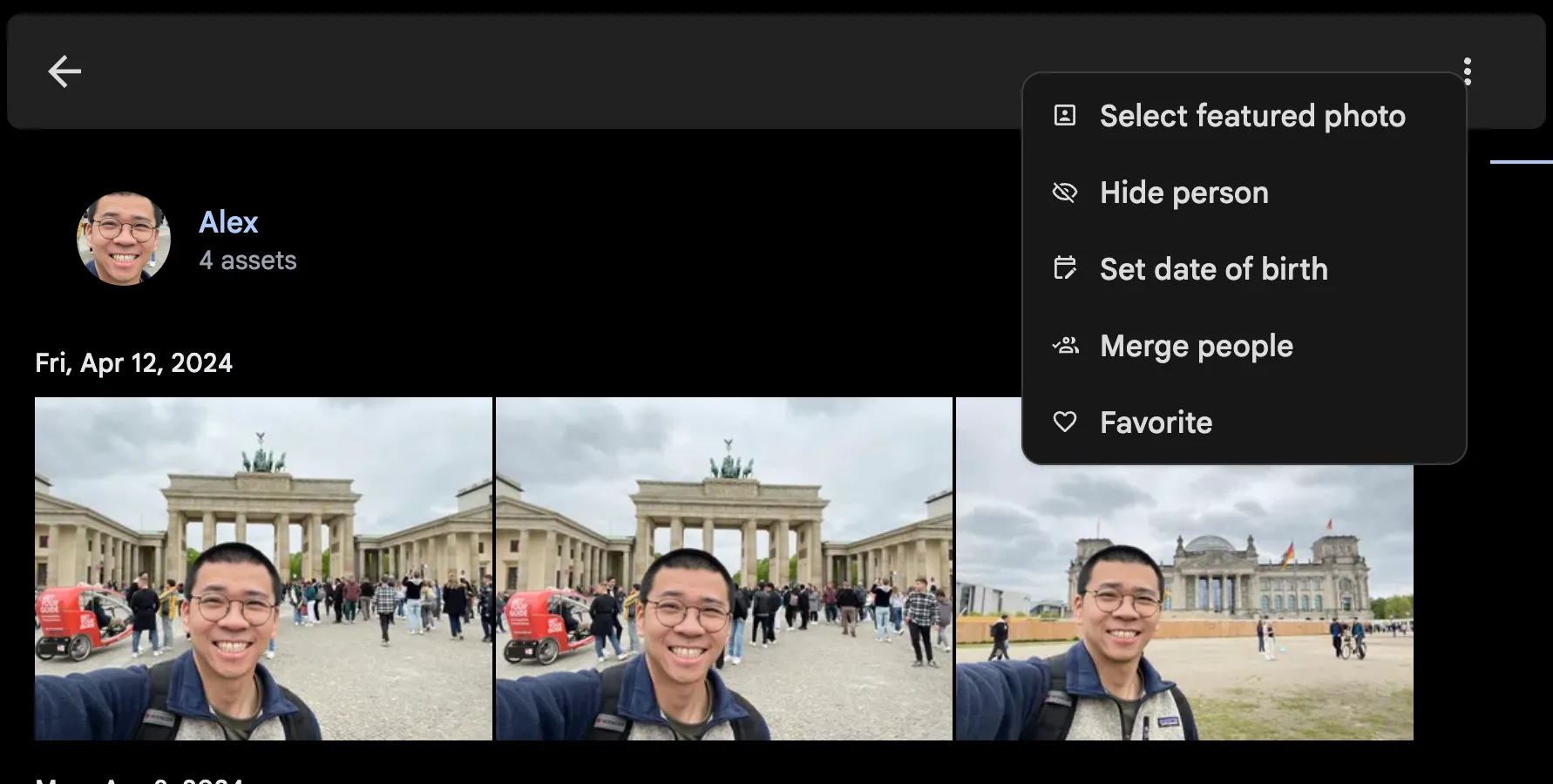
From the app bar in the detail view of a person, you can:
- Change the feature photo of the person
- Hide the faces of a person from the Explore page and detail view
- Set a person's date of birth, so that the age of the person can be shown at the time the photo was taken
- Merge two or more detected people into one person
- Favorite a person to pin them to the top of the list
Improve the results
If the grouping is poor — the same person split across several entries, or unrelated faces lumped together — the settings under Administration > Settings > Machine Learning Settings > Facial Recognition control it. See tuning facial recognition for what each setting does, and Better facial recognition clusters for a step-by-step tuning procedure.