Cast media
Immich supports the Google's Cast protocol so that photos and videos can be cast to devices such as a Chromecast and a Nest Hub. This feature is considered experimental and has several important limitations listed below.
Enable Google Cast Support
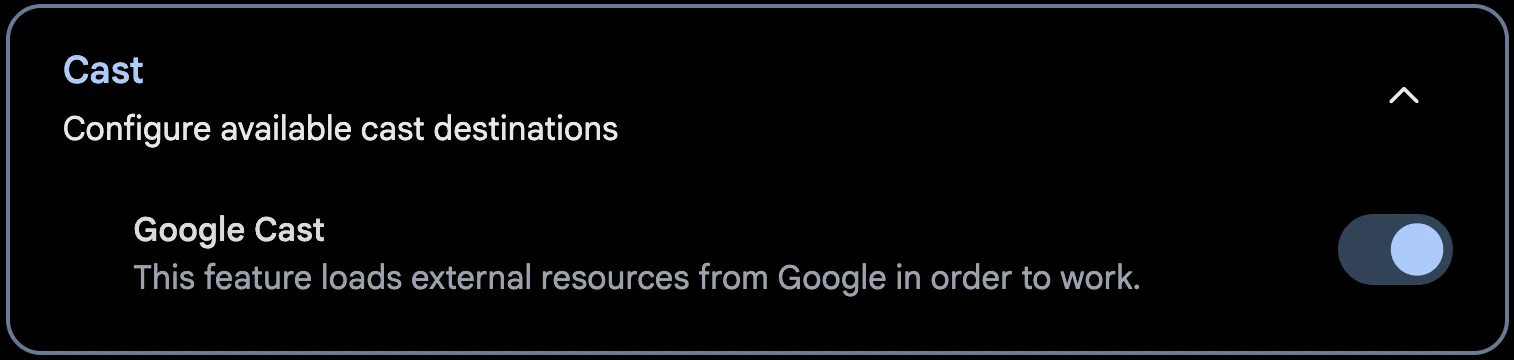
Google Cast support is disabled by default. The web UI uses Google-provided scripts and must retrieve them from Google servers when the page loads. This is a privacy concern for some and is thus opt-in.
You can enable Google Cast support through Account Settings > Features > Cast > Google Cast
Limitations
To use casting with Immich, there are a few prerequisites:
- Your instance must be accessed via an HTTPS connection in order for the casting menu to show.
- Your instance must be publicly accessible via HTTPS and a DNS record for the server must be accessible via Google's DNS servers (
8.8.8.8and8.8.4.4) - Videos must be in a format that is compatible with Google Cast (see Supported Media Formats for what Immich itself accepts). For more info, check out Google's documentation