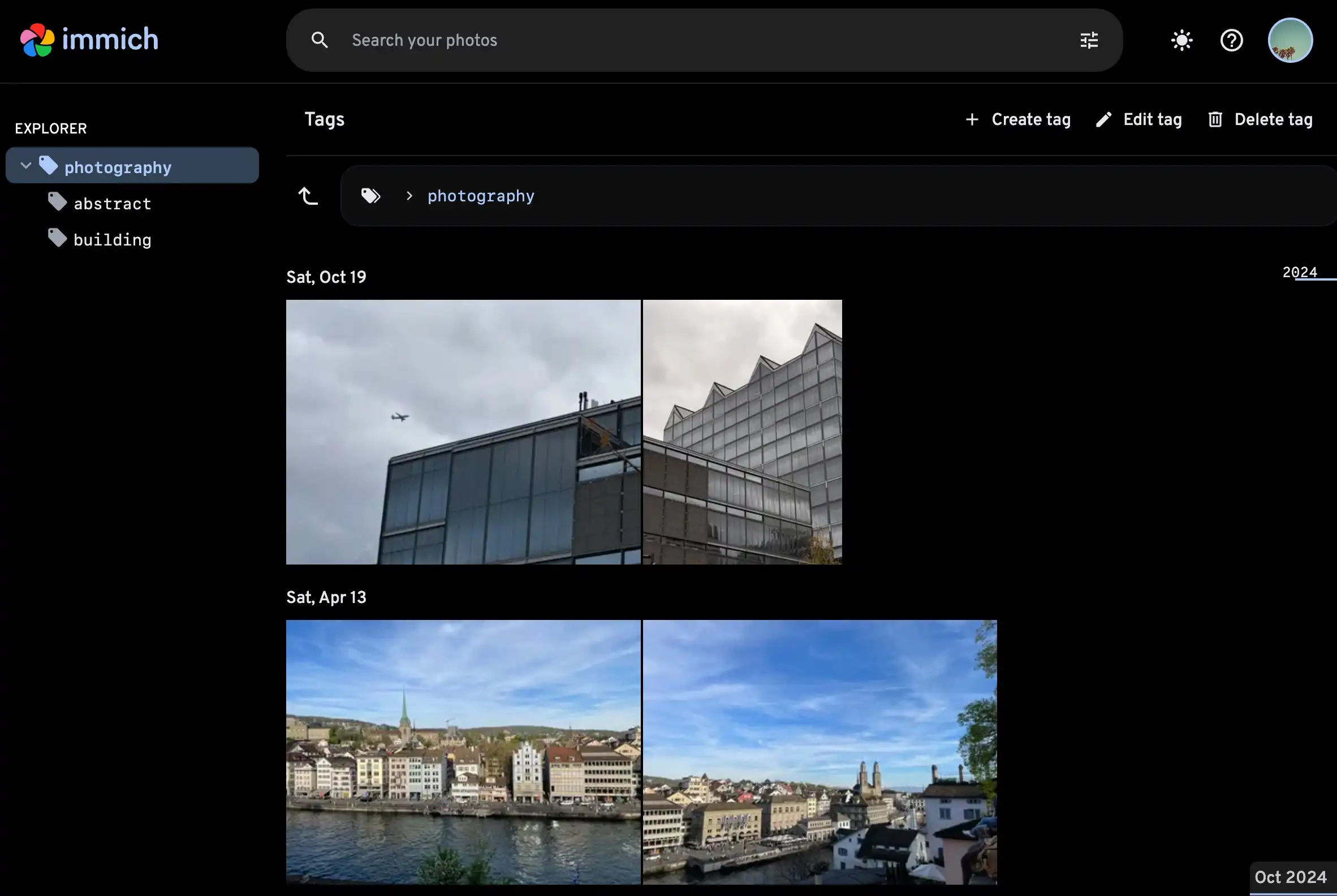
Use tags
Immich supports hierarchical tags, and can import tags that already exist in your files — see EXIF tags for which metadata fields are read. Any changes to tags made through Immich are also written back to a sidecar file. You can re-run the metadata extraction jobs for all assets to import your existing tags.
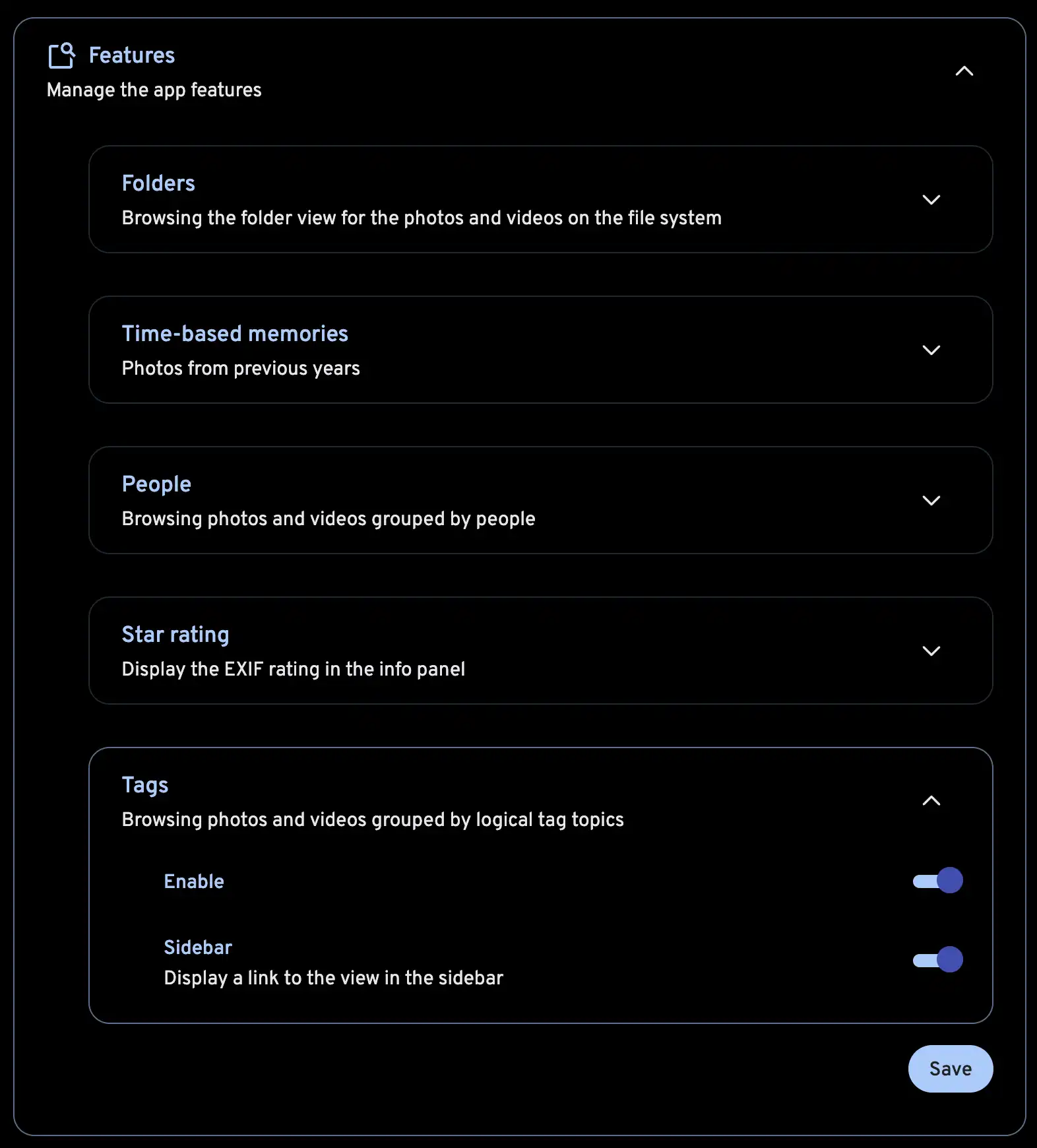
Enable tags feature
You can enable this feature from the Account Settings > Features > Tags.
Creating tags
Tags can be created and added to a photo or a video by clicking on the + Add button at the bottom of the info panel.
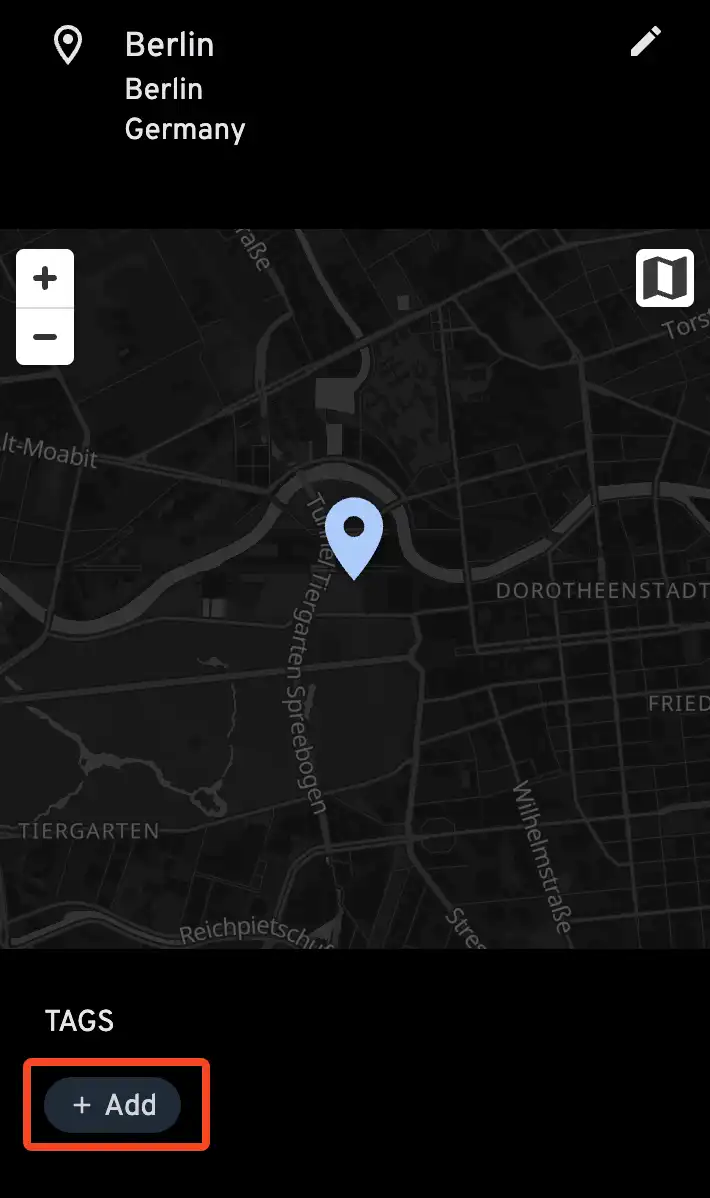
The tag prompt will appear, and you find and select a tag, or type in a new tag to create it.

Viewing tags
You can navigate to the Tags view from the side navigation bar or by clicking on the tag in the info panel.