Share with a partner
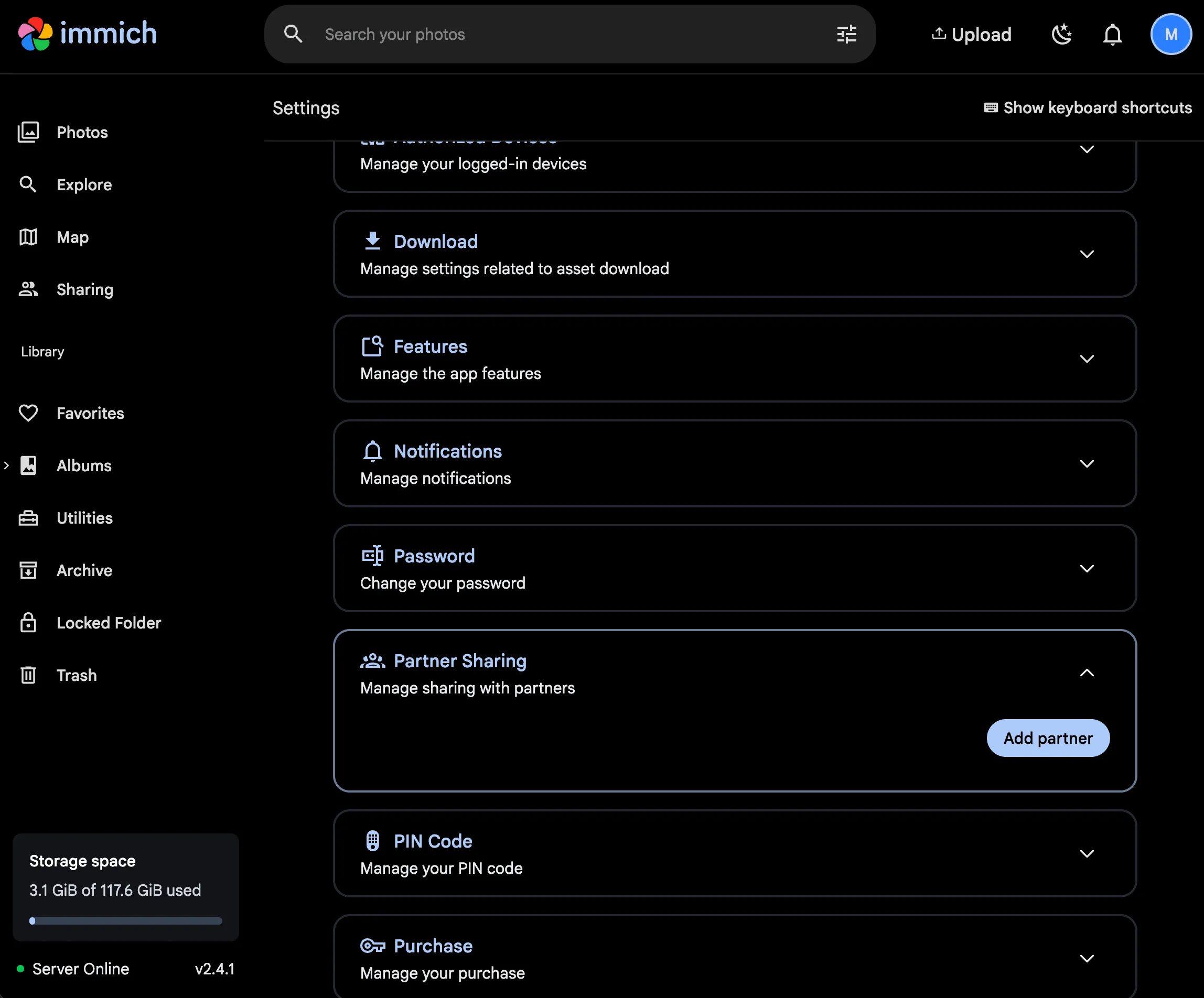
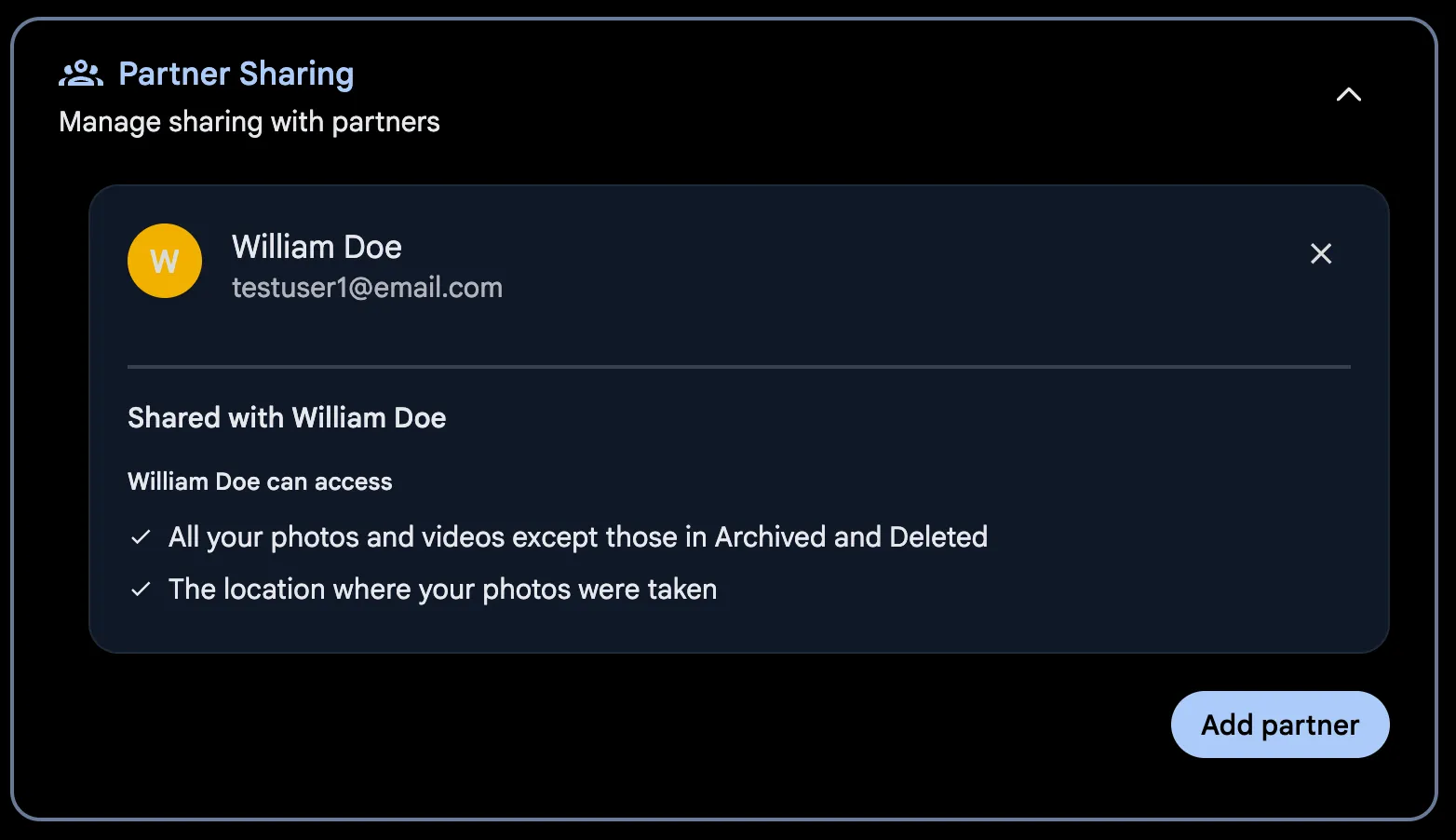
Immich allows you to share your entire library with other users. They can then view your library and download the assets. You can manage Partner Sharing from the User Settings page on the web.
For exactly what a partner can and cannot see, see Sharing.
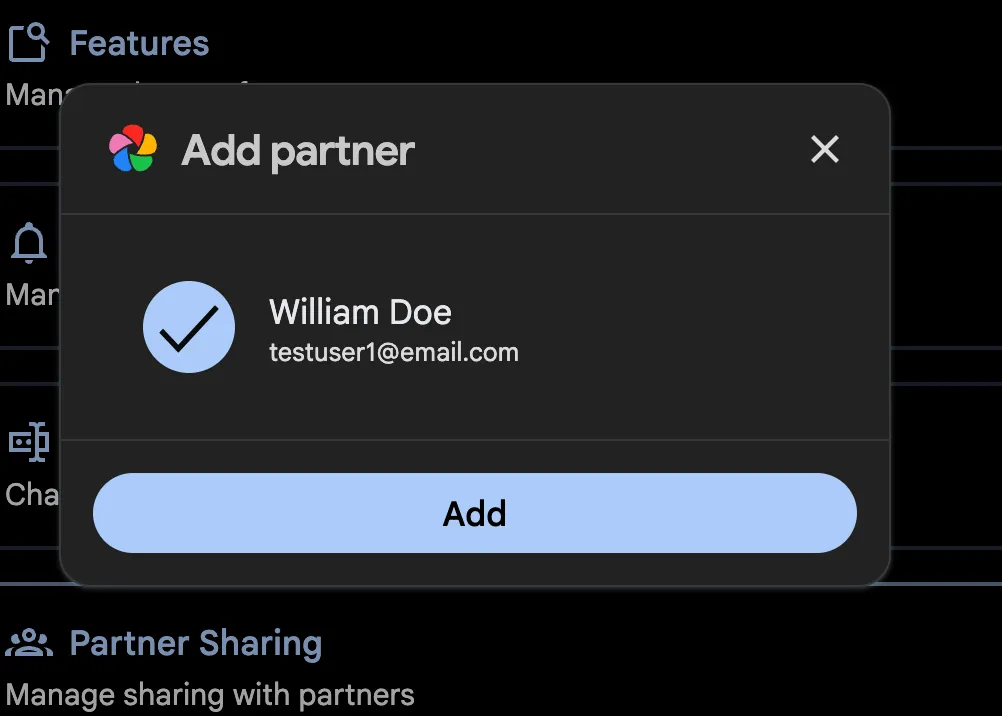
Sharing with a Partner
Viewing Partner Assets
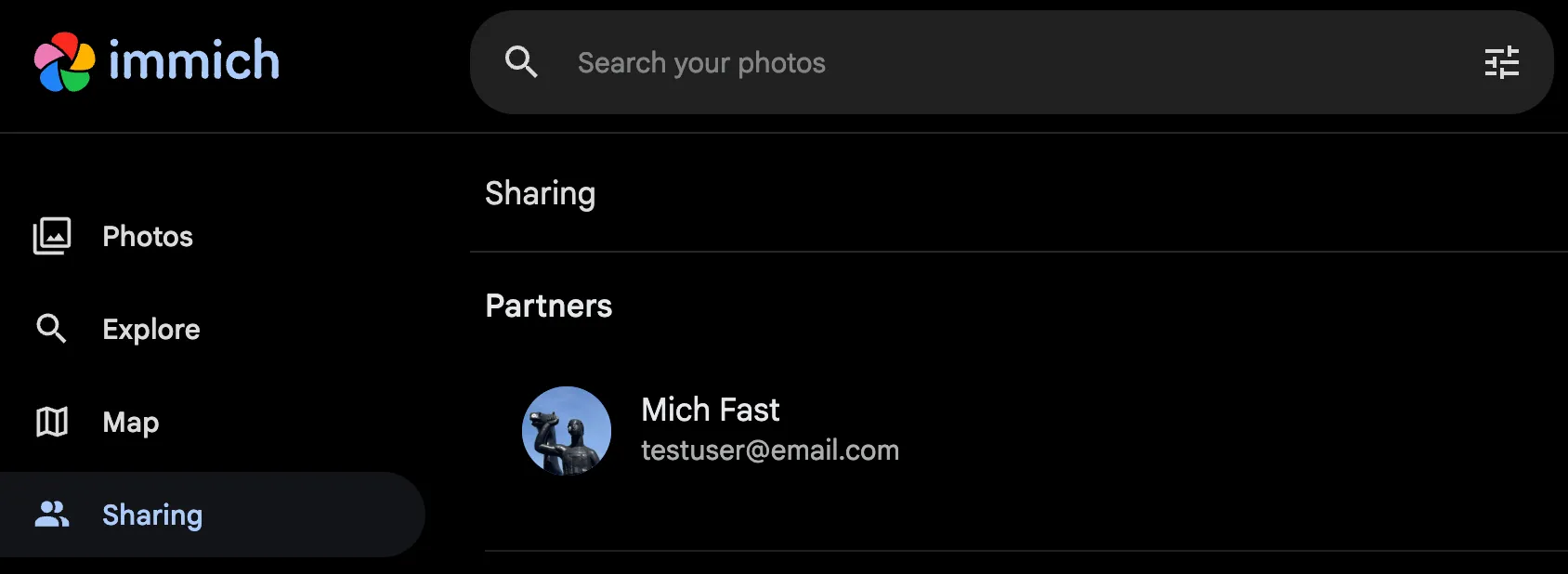
Access partner assets via the Sharing page.
Timeline Integration
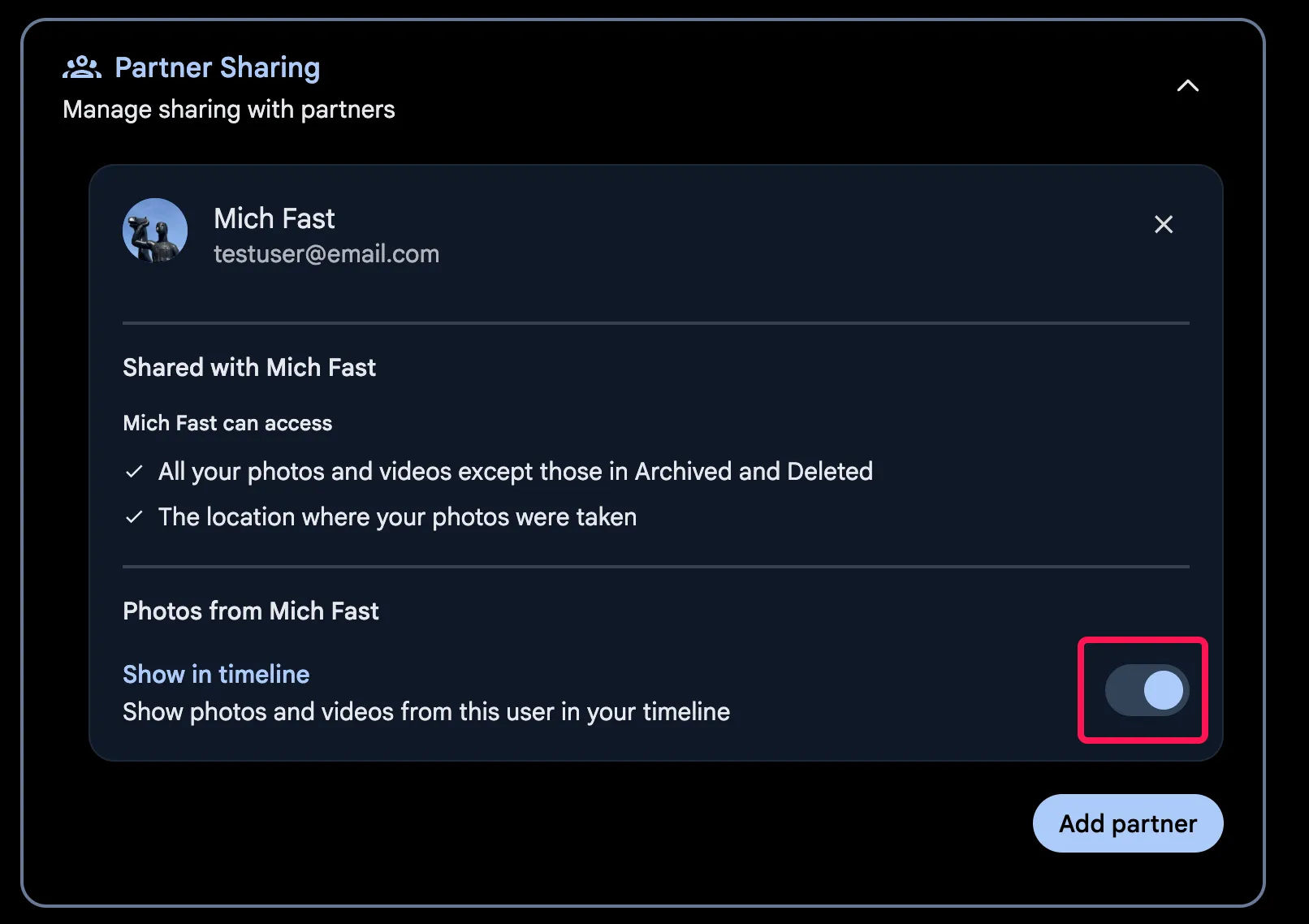
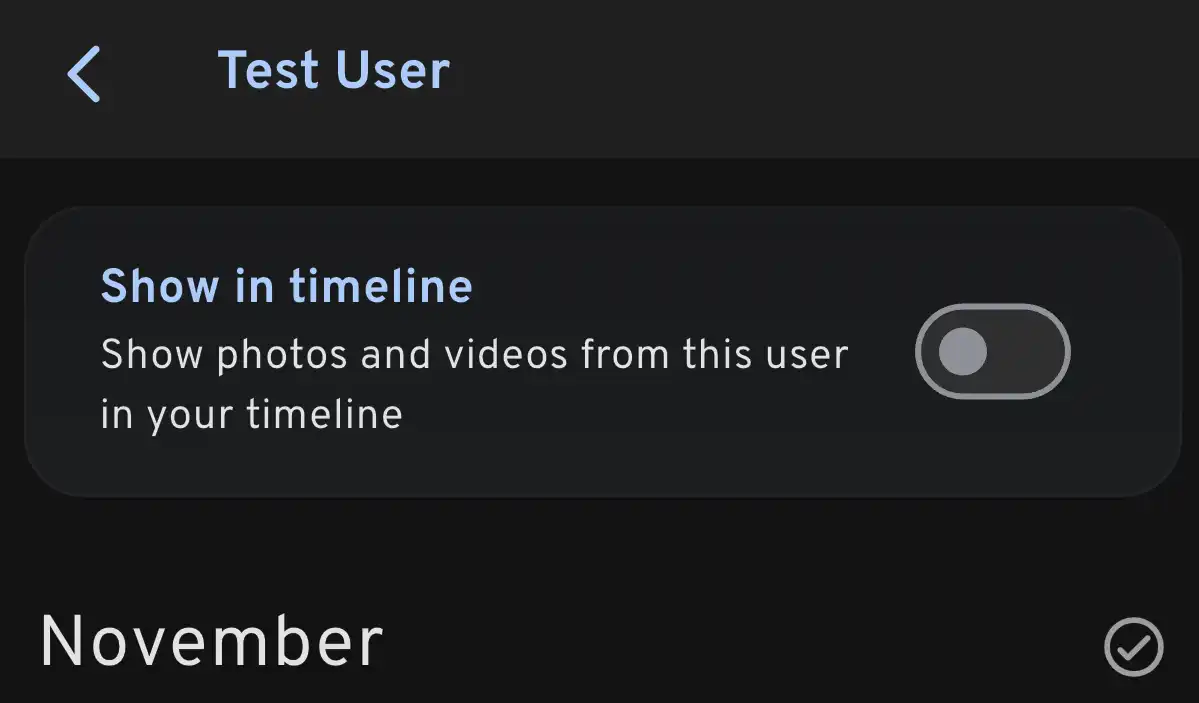
Partner shared photos can be displayed in the main timeline. This feature can be enabled on a per-partner basis and can be viewed and updated on both the web and mobile app.
Web
The option can be found at Account Settings > Partner Sharing > Show in timeline
Mobile App
From the partner’s view, toggle the button

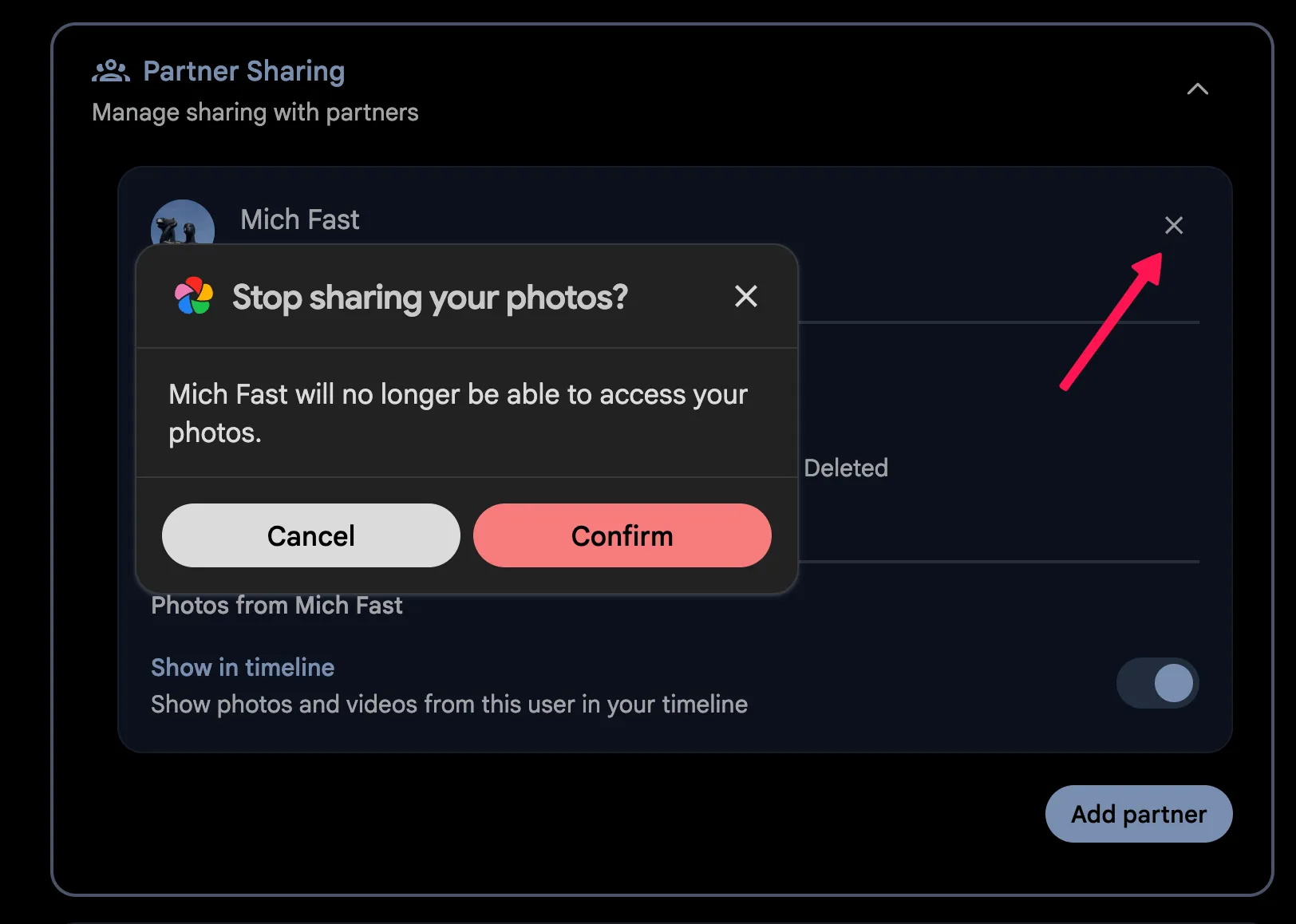
Removing Access
In order to remove a partner, you can go to User > Account Settings > Sharing and click on the X button.